A useful wine tracker must tell you what remains and where it is. The harder choice is deciding whether you also want shared records, a community database, detailed exports or a simple inventory on one phone. This comparison puts those choices beside the prices shown on the US App Store.
How we selected and ordered these ten apps
We searched the US App Store for wine cellar apps and selected ten iPhone listings that describe inventory management. This is a shortlist, not every eligible app. We start with offline, account-free inventory, then cover community notes, detailed records, 3D storage and other collection needs. We compare bottle and location tracking, history, data portability and public prices. The numbers organize our picks by use case; they do not mean each app outperforms every app below it. Star ratings and developers’ “number one” claims did not determine the order.
For a fully offline wine inventory with no ads and no account, our category pick is Cellar. Its first 12 bottles are free. For a lower listed paid price, compare My Wine Cellar and Pocket Wine first. For community notes, start with CellarTracker. For detailed records with an upfront download price, consider VinoCell.
Prices below are USD from the US App Store, retrieved September 9, 2026. A free download does not mean every feature is free. Public in-app purchase lists may include old offers, different editions or eligibility-specific prices. Confirm the current plan, billing period and included features in the purchase screen. We do not infer a billing period when Apple’s public product name omits it.
| Order | App | Why shortlist it | Public US price snapshot |
|---|---|---|---|
| 1 | Cellar | Our pick for offline inventory with no ads or account | 12 bottles free, with no ads; then $4.99/month or $29.99/year for unlimited bottles |
| 2 | CellarTracker | Our first shortlist pick for inventory plus community notes | Free download; multiple paid products listed below |
| 3 | VinoCell | Our pick for detailed records and a paid upfront app | $9.99 to download |
| 4 | InVintory | Our pick for 3D cellar planning and collection migration | Free download; multiple paid products listed below |
| 5 | Oeni | Our pick for combining maturity and meal suggestions | Free download; multiple paid products listed below |
| 6 | OENO by Vintec | Worth checking for a visual cellar with Vivino-powered identification | Free download; no IAP prices displayed |
| 7 | Pocket Wine | Our pick for a low-priced listed annual plan plus wine learning | Free download; $5.99/year or $19.99 lifetime listed |
| 8 | Wine Cellar Manager | Worth checking for open-bottle quantities and Apple-device access | Free download; multiple paid products listed below |
| 9 | My Wine Cellar | Our pick for a low-cost one-time restriction removal | Free up to 8 unique wines; $3.99 one-time unlock |
| 10 | Viniou | Worth checking for shared cellars and export tools | Free download; multiple paid products listed below |
1. Cellar
Our pick for offline inventory with no ads or account
Cellar is our app. There are no ads and no account to create. Your wine inventory works fully offline, including label-text scanning, visual racks, cases and boxes, and opening history. Keep your first 12 bottles free. With a monthly or yearly subscription, add as many bottles as you want. Your records stay on your device, and you can export a backup to restore later. For that workflow, it is our first pick among these ten.
Before choosing: It is not the lowest-priced option here. It also does not offer the community tasting database or automatic shared cloud cellar described by several alternatives. Backup and transfer are explicit actions. Pick it when those tradeoffs fit how you keep wine.
US pricing: 12 bottles free, with no ads; then $4.99/month or $29.99/year for unlimited bottles.
Public in-app purchase prices (2)
- Yearly Subscription: $29.99
- Monthly Subscription: $4.99
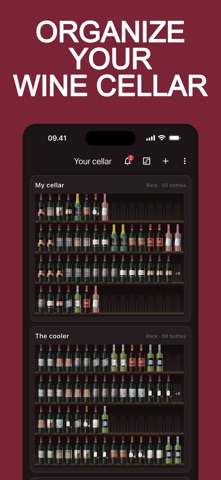
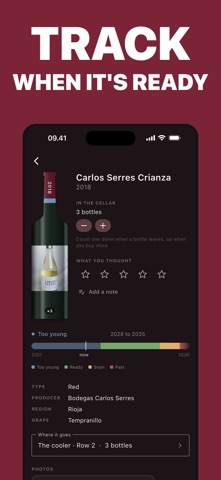
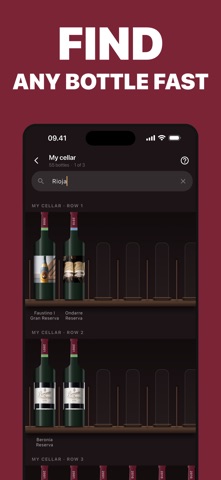
View Cellar on the US App Store. Features, prices and first three iPhone screenshots retrieved September 9, 2026. Screenshots supplied by the respective developer.
2. CellarTracker
Our first shortlist pick for inventory plus community notes
Its listing combines storage locations, pending deliveries and consumption history with community tasting notes. That makes it the first app we would investigate if the question is both “what do I own?” and “what have other people thought of it?”
Before choosing: Check which paid tier your bottle count requires. The public purchase names describe collection sizes but do not state a billing period, so the amounts below should not be compared directly with an annual plan.
US pricing: Free download; multiple paid products listed below.
Public in-app purchase prices (6)
- Up to 100 Bottles: $4.99
- Up to 250 Bottles: $5.99
- Up to 500 Bottles: $7.99
- Up to 1,000 Bottles: $14.99
- Up to 2,500 Bottles: $29.99
- 2,500+ Bottles: $44.99
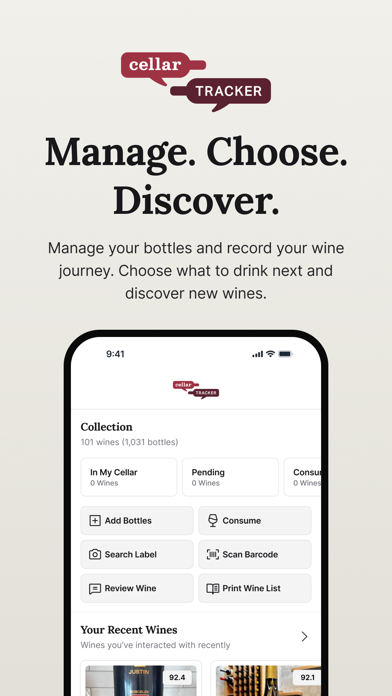
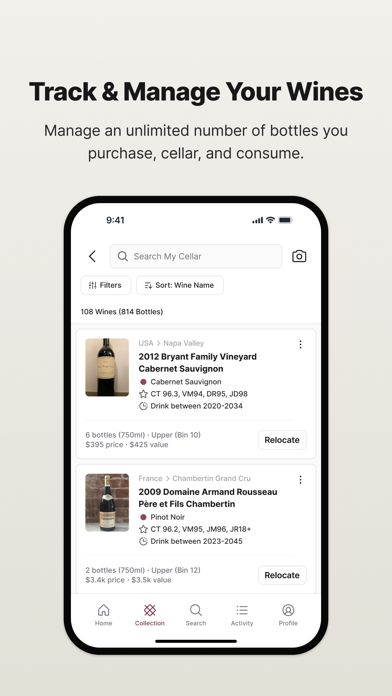
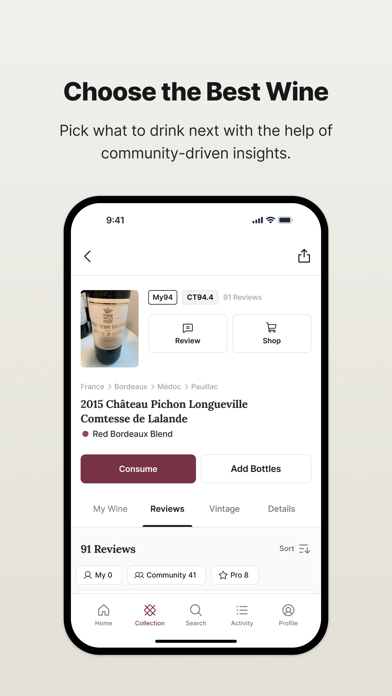
Source: CellarTracker on the US App Store. Features, prices and first three iPhone screenshots retrieved September 9, 2026. Screenshots supplied by the respective developer.
3. VinoCell
Our pick for detailed records and a paid upfront app
VinoCell lists custom rack layouts, detailed wine fields and CSV or Excel import and export. It is a strong candidate for someone replacing a structured spreadsheet who wants to preserve detail and retain an export route.
Before choosing: The listing describes synchronization through a VinoCell account. Choose it for its record and layout tools; test your own file import before moving the whole collection.
US pricing: $9.99 to download.
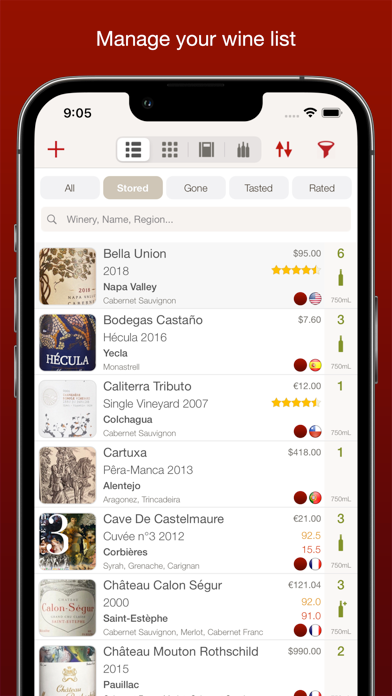
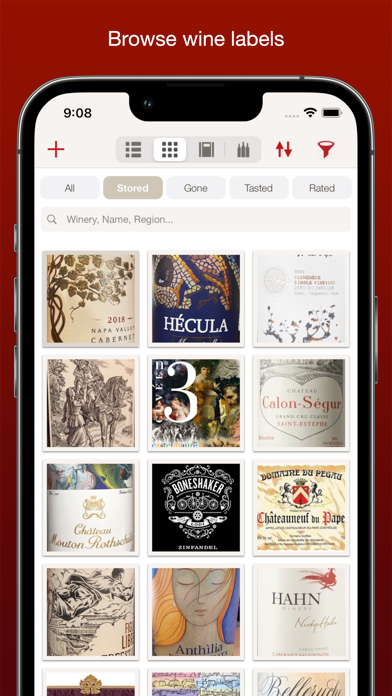
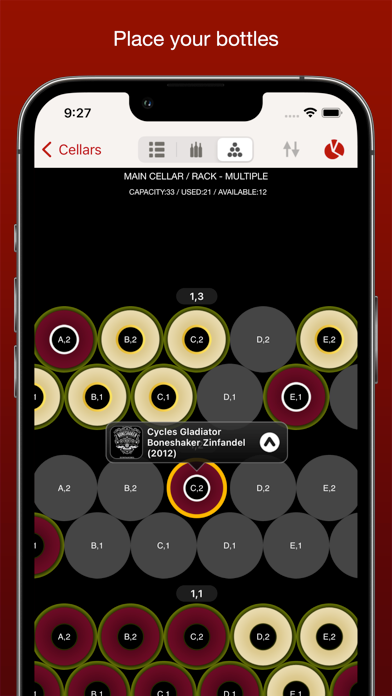
Source: VinoCell on the US App Store. Features, prices and first three iPhone screenshots retrieved September 9, 2026. Screenshots supplied by the respective developer.
4. InVintory
Our pick for 3D cellar planning and collection migration
InVintory lists VinLocate 3D storage, label scanning, imports from other cellar tools and cross-device synchronization. We place it high for collectors whose main job is migrating and locating a substantial collection.
Before choosing: The public listing includes several monthly and annual products, with repeated names at different prices. Confirm the plan and included tools inside the app before relying on a particular price.
US pricing: Free download; multiple paid products listed below.
Public in-app purchase prices (7)
- Prestige Monthly: $9.99
- Premium Monthly: $13.95
- Prestige Annual: $99.99
- Premium Annual: $124.99
- Premium Annual: $149.99
- Premium Monthly: $12.99
- Premium Monthly: $14.95
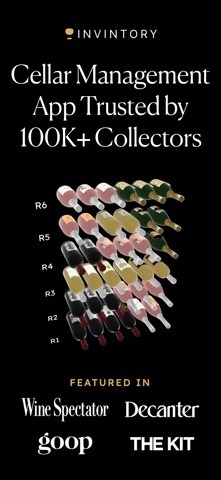
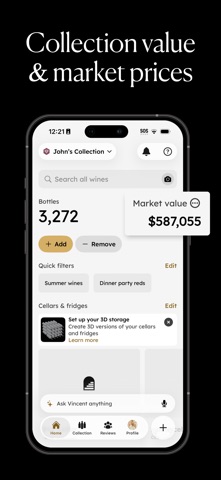
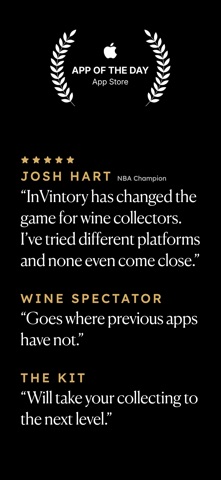
Source: InVintory on the US App Store. Features, prices and first three iPhone screenshots retrieved September 9, 2026. Screenshots supplied by the respective developer.
5. Oeni
Our pick for combining maturity and meal suggestions
Oeni emphasizes aging phases, food pairing and a 3D cellar view. It belongs on the shortlist when choosing what to open is as important as recording what remains. These are the developer’s listed features, not predictions we have independently tested.
Before choosing: Several annual offers and less-specific premium products appear in the public price list. Treat the recommendation and value estimates as inputs to your decision, and check the offer actually presented to you.
US pricing: Free download; multiple paid products listed below.
Public in-app purchase prices (9)
- Annual subscription: $69.99
- Offre spéciale mensuelle Oeni Plus: $39.99
- Annual subscription: $49.99
- Annual subscription: $44.99
- Annual subscription: $39.99
- Annual subscription: $89.99
- Annual subscription: $59.99
- Accès premium: $34.99
- Accès premium: $39.99
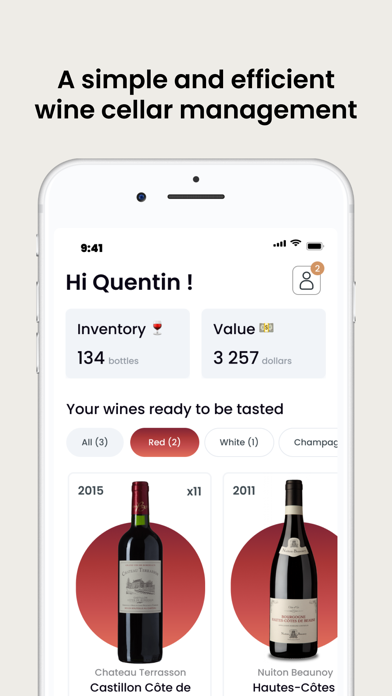
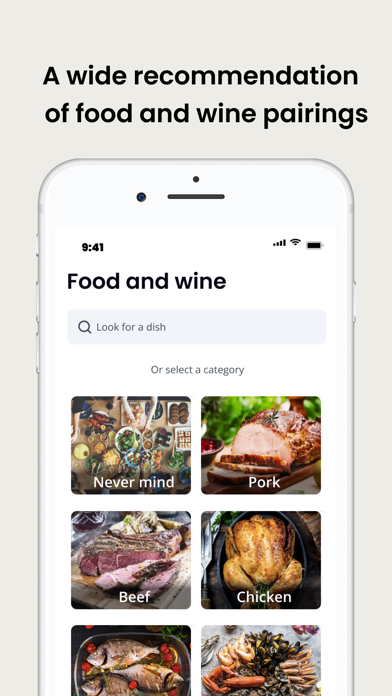
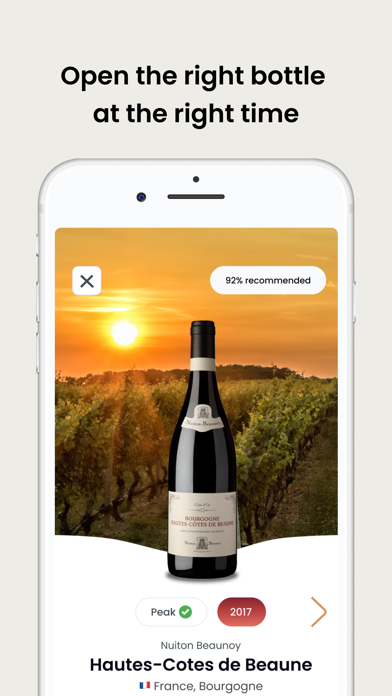
Source: Oeni on the US App Store. Features, prices and first three iPhone screenshots retrieved September 9, 2026. Screenshots supplied by the respective developer.
6. OENO by Vintec
Worth checking for a visual cellar with Vivino-powered identification
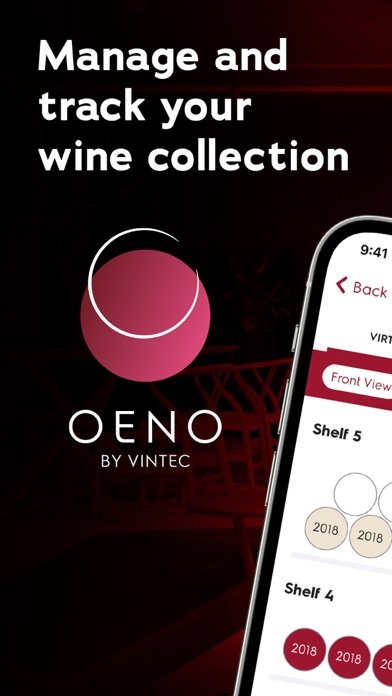
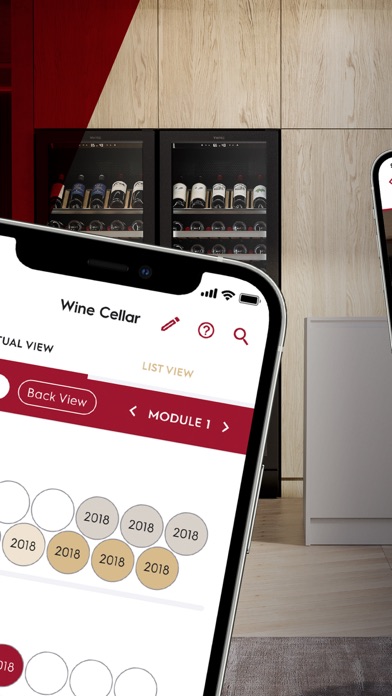
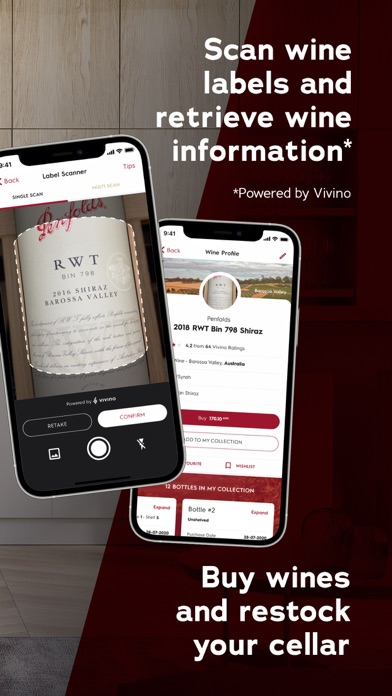
The listing describes a replica of your storage space, label scanning powered by Vivino and serving suggestions. It explicitly includes racks and other storage places as well as wine cabinets.
Before choosing: No in-app purchase prices were displayed in the retrieved US listing. That is not a guarantee about every service or future feature. Check the actual setup and storage layout with a few bottles first.
US pricing: Free download; no IAP prices displayed.
Source: OENO by Vintec on the US App Store. Features, prices and first three iPhone screenshots retrieved September 9, 2026. Screenshots supplied by the respective developer.
7. Pocket Wine
Our pick for a low-priced listed annual plan plus wine learning
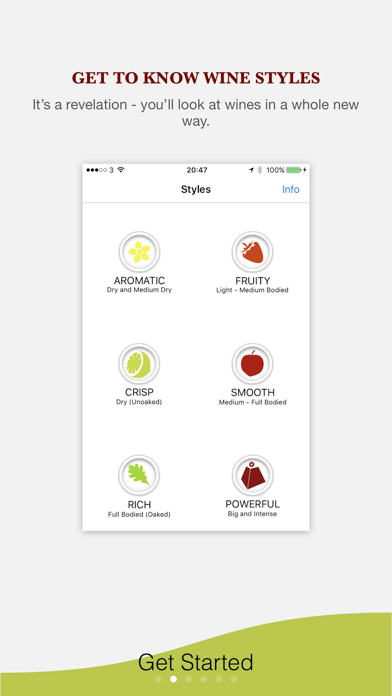
Pocket Wine combines collection records, photos and notes with explanations of styles, grapes and food pairing. It is a candidate for someone who wants to learn alongside maintaining a list, rather than starting with an elaborate physical cellar model.
Before choosing: Its listed annual price is below Cellar’s. The App Store also shows monthly and lifetime products. Check the included access before comparing a subscription with a one-time option.
US pricing: Free download; $5.99/year or $19.99 lifetime listed.
Public in-app purchase prices (3)
- Annual Subscription: $5.99
- Lifetime Subscription: $19.99
- Monthly Subscription: $0.99
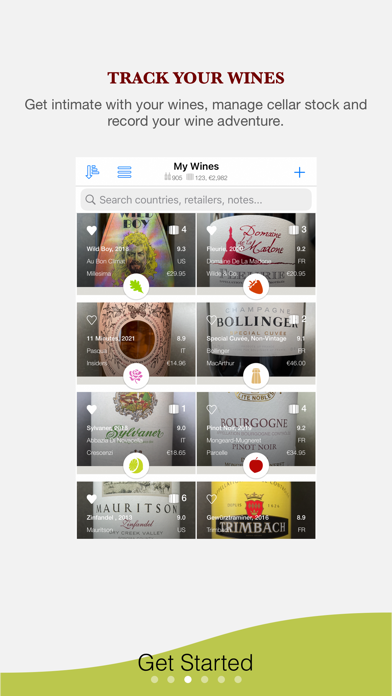
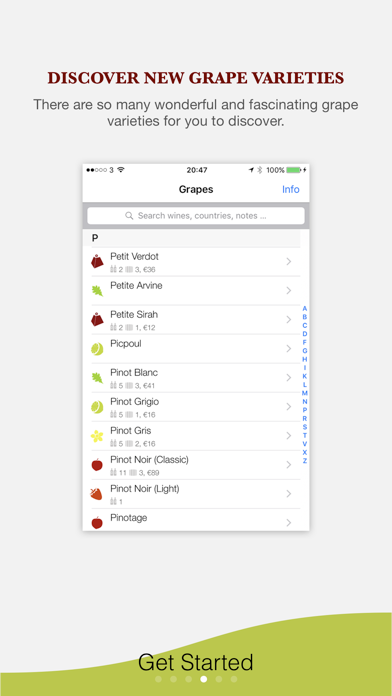
Source: Pocket Wine on the US App Store. Features, prices and first three iPhone screenshots retrieved September 9, 2026. Screenshots supplied by the respective developer.
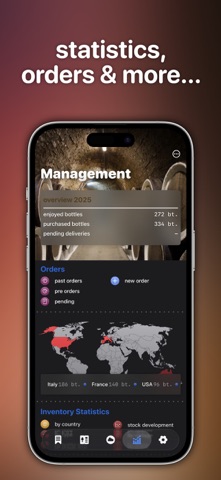
8. Wine Cellar Manager
Worth checking for open-bottle quantities and Apple-device access
This listing specifically mentions open bottles with fill levels and dates, plus iCloud access on iPhone, iPad and Mac. Shared multi-user access is described for its Advanced Edition.
Before choosing: Its public purchases mix editions, durations and Mac-specific products. An inexpensive entry in that list is not necessarily the iPhone plan with the features you need. Confirm the edition and billing period.
US pricing: Free download; multiple paid products listed below.
Public in-app purchase prices (10)
- Advanced Edition: $2.99
- Advanced 6 Months: $14.90
- Advanced Edition: $24.99
- Wine Manager Basic: $36.00
- Advanced one year: $22.99
- Advanced 2 Months: $5.99
- Basic Mac Version: $36.00
- Basic Plus Edition Unlimited: $34.99
- Advanced Cloud Edition: $14.99
- Basic Edition macOS: $8.99
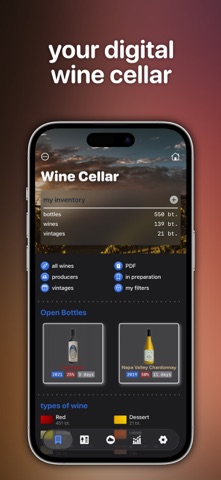
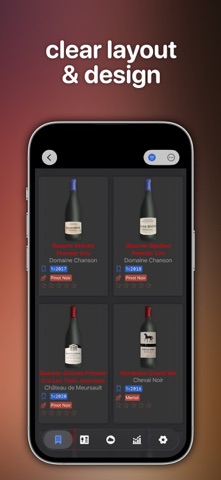
Source: Wine Cellar Manager on the US App Store. Features, prices and first three iPhone screenshots retrieved September 9, 2026. Screenshots supplied by the respective developer.
9. My Wine Cellar
Our pick for a low-cost one-time restriction removal
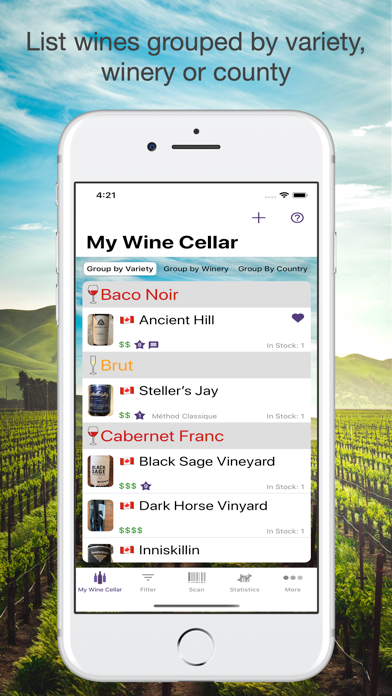
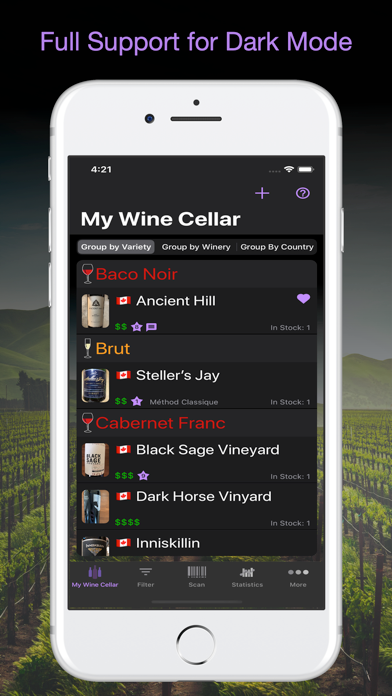
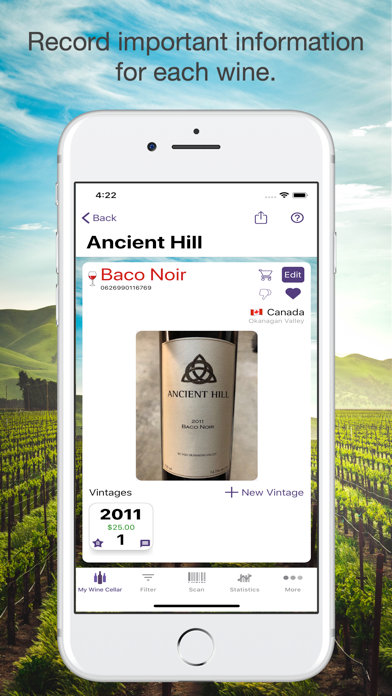
My Wine Cellar lists purchase and consumption tracking, barcode lookup within your cellar and inventory backup or sharing. Its description says the free version is feature-complete for up to eight unique wines and a one-time purchase removes that restriction.
Before choosing: Eight unique wines is different from eight physical bottles. The listed restriction-removal price is below Cellar’s yearly subscription, so Cellar cannot fairly claim to be the cheapest inventory tool in this selection.
US pricing: Free up to 8 unique wines; $3.99 one-time unlock.
Public in-app purchase prices (1)
- Remove Restrictions: $3.99
Source: My Wine Cellar on the US App Store. Features, prices and first three iPhone screenshots retrieved September 9, 2026. Screenshots supplied by the respective developer.
10. Viniou
Worth checking for shared cellars and export tools
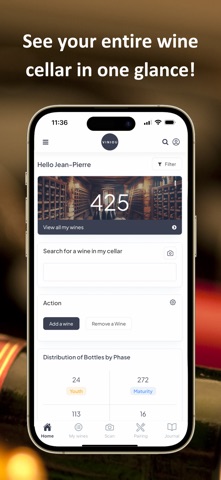
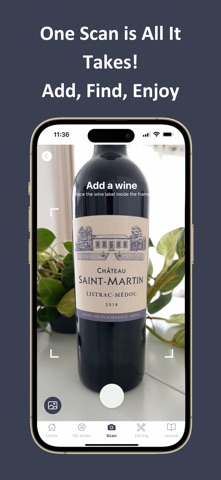
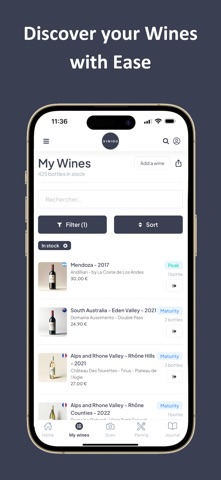
Viniou lists rack, row and position management, multiple cellars, shared access, cross-device synchronization and CSV or PDF export. Those features make it relevant when more than one person maintains the collection.
Before choosing: Test the sharing and export workflow with a small sample. A long feature list is not evidence of import accuracy, and its US star average comes from a much smaller review count than the most established apps here.
US pricing: Free download; multiple paid products listed below.
Public in-app purchase prices (2)
- Formule 1 an: $49.99
- Formule 1 mois: $5.99
Source: Viniou on the US App Store. Features, prices and first three iPhone screenshots retrieved September 9, 2026. Screenshots supplied by the respective developer.
What Cellar can fairly claim
Our recommendation for Cellar is specific: an on-device wine inventory with visual locations, label-text scanning and no cellar account. That is a preference for a workflow, not a measured claim that it is universally better. Cellar lists $29.99/year. My Wine Cellar lists $3.99 to remove its restriction, described as one-time, and Pocket Wine lists $5.99/year. The prices do not support a “cheapest wine app” claim for Cellar.
Try the same five tasks before moving your collection
- Add one familiar bottle and correct a detail.
- Put two matching bottles in different locations.
- Open one and check both remaining stock and history.
- Find a wine using only part of its name.
- Check the export or backup format, account requirements and price for your collection size.
These are suggested checks, not tests we claim to have performed on the competitors. Keep your existing inventory backup until you have verified the replacement. If a spreadsheet already works for you, our spreadsheet versus app guide helps identify what you would gain by changing.