
The old cellar has clear rack names. The new home has twenty similar boxes. If the inventory still points to the old racks, it stops being useful precisely when you need to find something. Carry the location record through the boxes instead of rebuilding it from memory after the move.
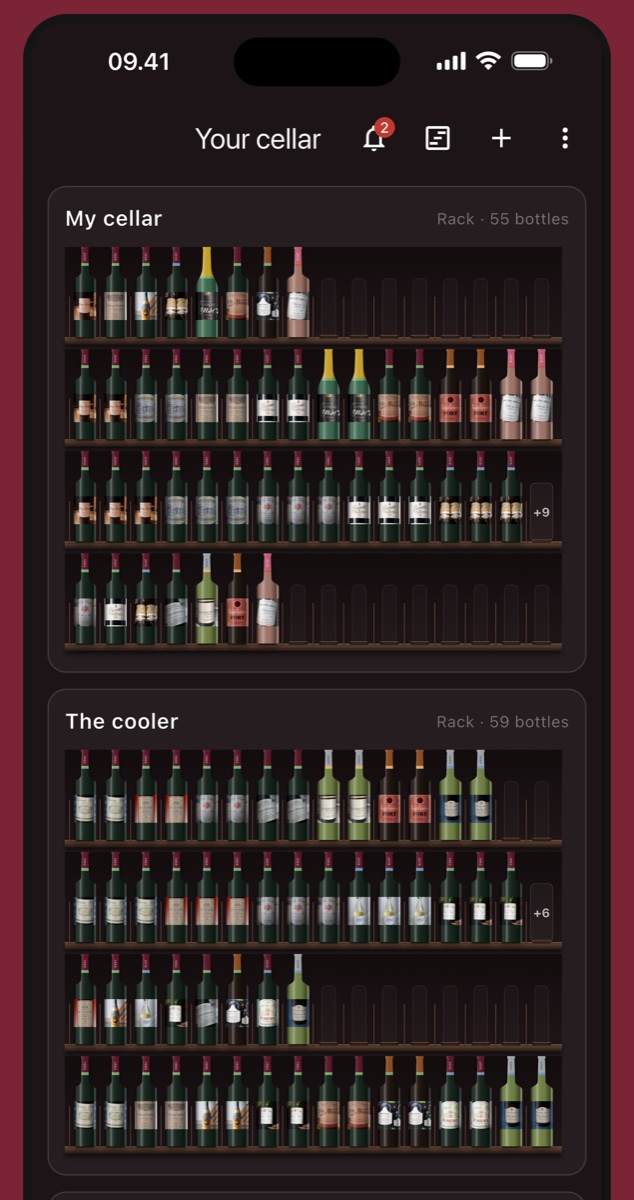
Save the inventory before changing locations
Make a backup and keep a readable copy of the location list available during the move. Label it with the date and "before packing" so it cannot be mistaken for the current inventory. The backup guide covers preserving the collection before a large change.
Resolve obvious count mismatches in the area you are about to pack. If a rack says twenty bottles and holds eighteen, note that before packing. Otherwise, you will not know whether the discrepancy existed before the move.
Give each box its own ID
Use short identifiers such as W01, W02 and W03. Put the ID where you can read it when the box is stacked. Avoid names such as "reds" that could apply to half the shipment.
Keep a list under each ID with wine, vintage, bottle size and quantity. Add a total bottle count for a quick check. A photo can help document the contents, but it should supplement a list when labels are hidden.
This guide covers tracking the collection. Suitable packaging, transport conditions and carrier requirements need their own plan. A box ID tells you what is inside; it does not establish that the box is suitable for transporting glass.
Pack and record one box at a time
- Create the box ID in the inventory or move list.
- Record each group as it leaves its old location and enters the box.
- Compare the physical contents with the list before closing the box.
- Mark the box as packed, with its total count.
For example, W04 contains four bottles of one 2019 red and two bottles of a 2022 white. Its total is six. The original rack quantities fall by four and two; W04 gains those same quantities. The collection total stays unchanged.
If your app cannot use boxes as locations, keep a separate move sheet showing the original location, box ID and eventual destination. Do not maintain two competing versions of the current count. Decide which record will track moves until unpacking is complete.
Name the new locations before opening boxes
Use names that distinguish the new storage from the old, even if both homes have a "main rack". Number rows in a consistent direction. The rack location guide gives a simple scheme.
Unpack W04 by moving its four reds and two whites to their actual destinations in the record. If the whites remain boxed, W04 still contains two. Mark it empty only when both the physical box and the inventory agree.
Close the move with two checks
First, check that every packed box has arrived and has a known status: unpacked, partly unpacked or still packed. Then compare the collection total with the pre-move count, allowing for documented purchases, openings, gifts or losses during the move.
If the total matches but a bottle is hard to find, check the box-to-rack assignments. If it does not match, investigate the affected box before changing the total. Keep the original snapshot and box lists until the new locations have been verified.