One person opens a bottle. The other records it after dinner. Sometimes both do, and sometimes neither does. The resulting count is wrong even though everyone tried to keep it current. Agreeing who makes the change solves more than adding another reminder.
Choose one of two editing arrangements
Everyone edits the same inventory. This works if your chosen tool actually supports a shared record that updates for everyone. The person taking the bottle makes the change before opening it. The other person does not repeat the change later.
One person maintains the inventory. Everyone else reports changes through one agreed place, such as a household message thread or a paper note by the rack. The editor marks each report as done after updating the record. This arrangement also works with an inventory kept on one device.
Do not assume two phones showing the same app have the same inventory. Check the tool's sharing support first. If it does not provide household sharing, use the designated-editor arrangement instead of keeping two independent copies.
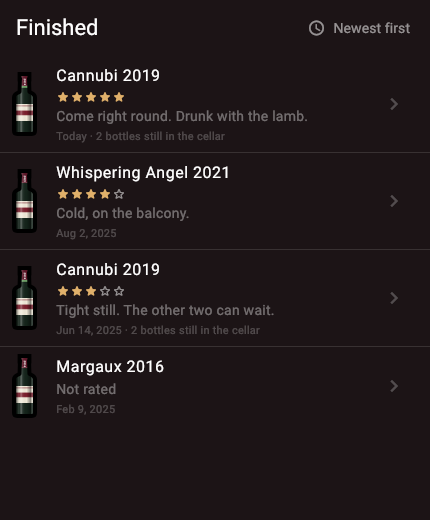
Cellar is one example of the second arrangement. It keeps the collection on one device with no account, and an imported backup replaces the cellar it lands in rather than merging with it, so two phones running it hold two separate collections. Pick one device as the record and report changes to whoever holds it.
What should a bottle message contain?
Use a short, repeatable format: action, wine, vintage, quantity and location. A photo of the front label can replace a long name, but include the vintage if it is not visible.
For example: "Opened 1 bottle of the 2020 Rioja from Rack A, row 2, for dinner on September 9." For a gift: "Gave 1 bottle of the 2022 white from the kitchen cooler to Sam." These reports explain why stock fell without turning gifts into tasting notes.
For a move, write both places: "Moved 2 bottles of the 2023 white from Box 1 to the kitchen cooler." The total stays the same. Only the location changes.
Make the handoff visible
In the designated-editor arrangement, agree what "done" means. A reply saying "Recorded" or a tick beside a paper entry is enough. Do not use that same mark to mean "I saw your message". Otherwise the next person cannot tell whether the inventory was updated.
At the next convenient check, the editor processes only unmarked entries, then marks them immediately. Keep completed reports until you have checked the affected shelf, so you can trace a duplicate change if one occurs.
Separate a reservation from an opening
A bottle set aside for Saturday is still owned and unopened. Record its new location or reservation in whatever notes your system supports. Reduce unopened stock when it is opened, gifted or otherwise leaves that stock.
If dinner plans change and the bottle returns to the rack unopened, undo the reservation or move. Do not add it as a purchase. This avoids a false arrival in the history and an extra bottle in the count.
Try the routine with the next three bottles
- Agree who updates the inventory and where everyone else reports changes.
- Record the next opening, gift or move at the moment it happens.
- Check that each event produces exactly one change in the inventory.
- Compare the affected shelf with the record before adding more rules.
If something was missed, fix the handoff that failed. If the report existed but was never entered, make the editor's review easier to remember. If no report existed, put the note or message shortcut closer to the point where bottles are taken.
For discrepancies already in the collection, use the count correction steps. For keeping the tasting record after an opening, see how to track opened bottles.